
Read with focus.
Clear Uthmanic script, surah and verse search, and offline Quran reading. Return to the words that matter, wherever you are.
Find a verse Light & dark Offline reading
Your daily Quran companion
Read, listen and learn. Make a meaningful connection with the Quran, every day, with Al Naseem.
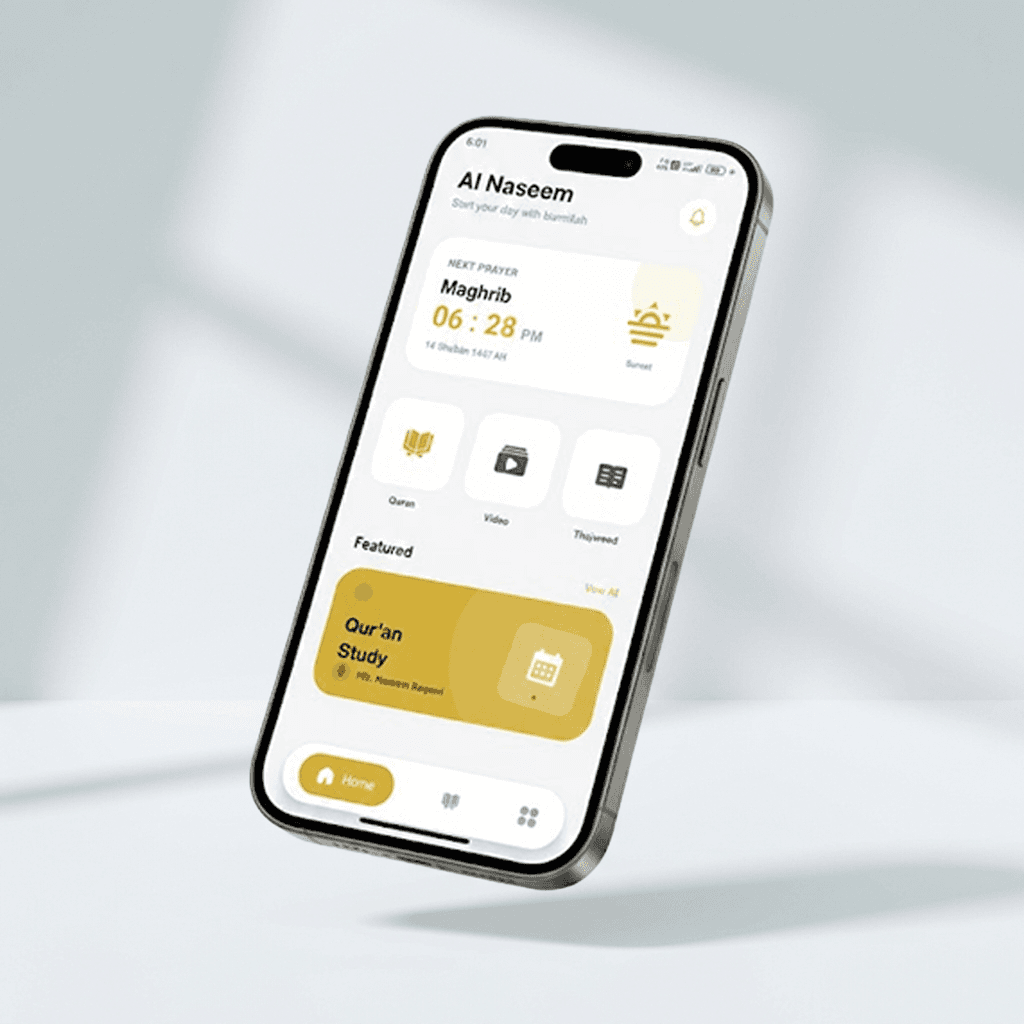
One app, everyday connection
From a few quiet verses to a lesson that opens up a new understanding, begin where you are.
Clear Uthmanic script, surah and verse search, and offline Quran reading. Return to the words that matter, wherever you are.
Recitation audio to accompany your reading and make room for reflection.
Prayer times in the app help you stay connected to your daily routine.
Explore Quran videos and educational content, alongside your daily reading.
Take your next step with Mahirul Qur’an Classroom. Explore courses, join your lessons and keep your learning together.
Discover coursesReview the course description, duration and price before you enroll.
Access live classes or recorded lessons, depending on your course.
Keep enrolled courses, upcoming sessions and learning materials within reach.
Al Naseem is a Quran and Islamic learning app from Mahirul Qur’an. It brings Quran reading, recitation audio, prayer times and educational videos together, with a classroom for online courses.
Read the Quran in Uthmanic script, find a surah or verse, listen to recitations, view prayer times and explore educational videos. Light and dark themes help you choose a comfortable reading experience.
Quran reading is available offline in the app. Streaming media, accessing online classes and syncing course information require an internet connection.
Open Classroom to see available courses. Sign in or create a student account, view the course information and complete enrollment. Your enrolled courses then appear in My Classes.
The classroom supports live classes and recorded lessons. The format, duration, price and availability depend on the course. Check the course information before enrolling.
Al Naseem is available for Android and iOS. Choose Get App to open the download page and continue to Google Play or the Apple App Store.
Bring Al Naseem into your everyday routine.